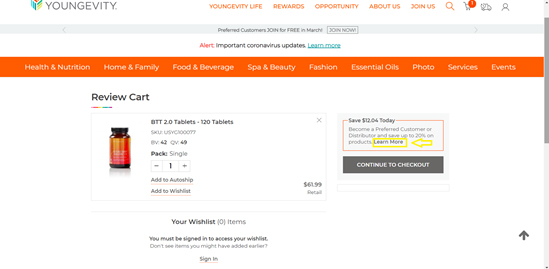
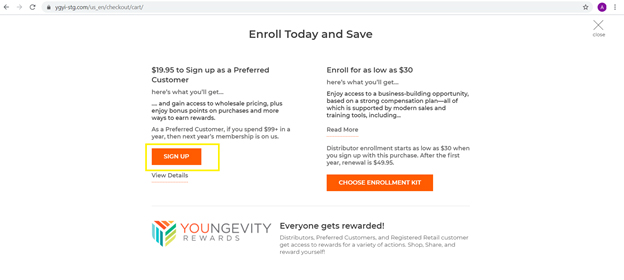
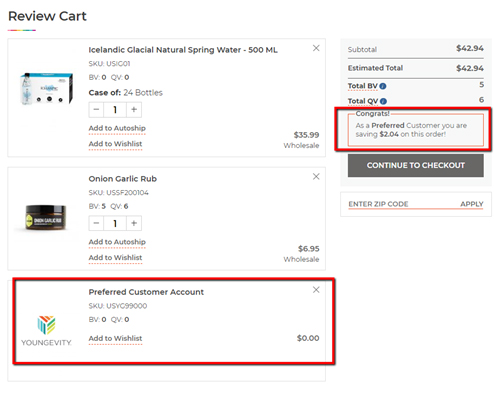
That is a great question! Signing up as a preferred customer is easier than ever with our updated checkout. Simply add the preferred customer kit to your cart and continue shopping. (see video below)
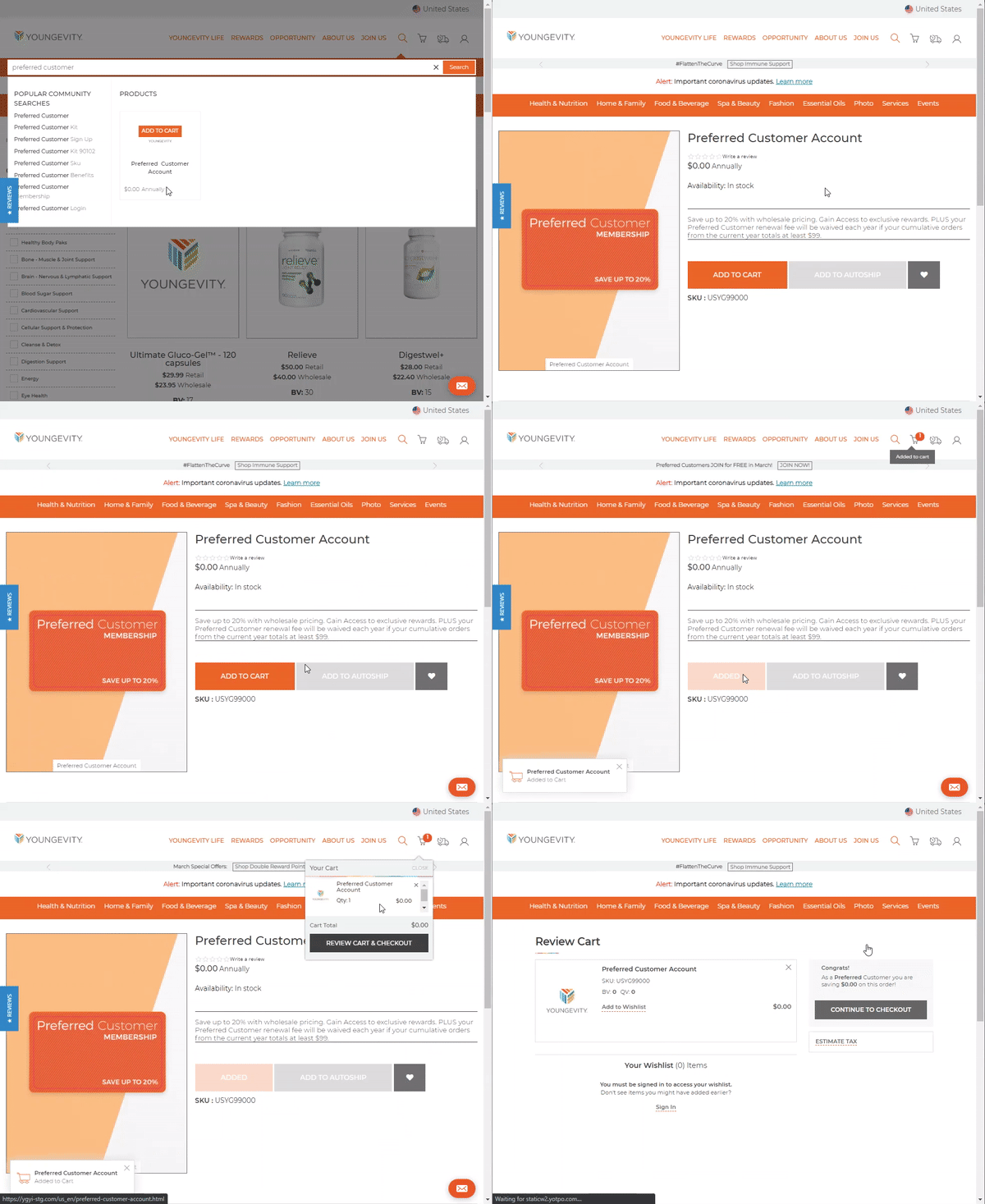
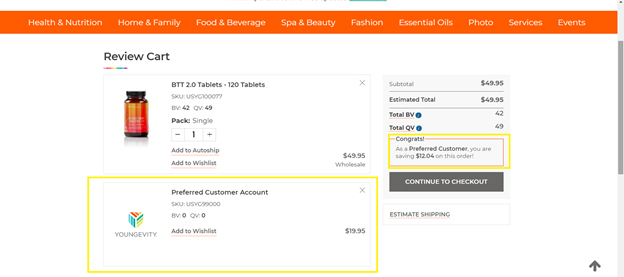
Once you are ready to checkout you should see an alert located on the right hand side to alert you of your savings once you have created your account (as you would be eligible for wholesale pricing and saving 20% on your order!) See video below for reference
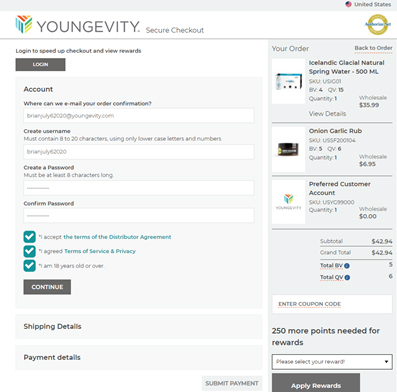
When going through checkout you will be able to enter your information through different drop down fields:
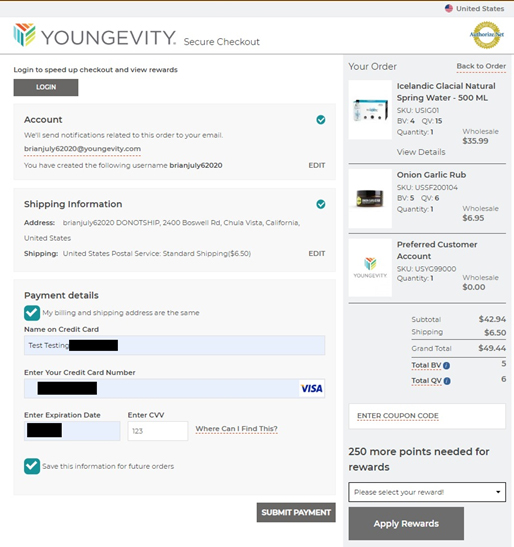
Through the new checkout you will note that each field is able to be collapsed for convenience and clarity:
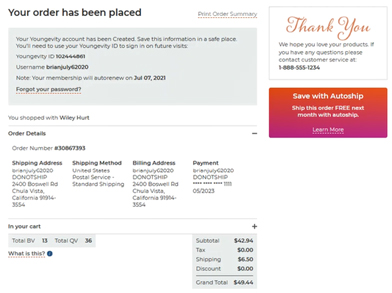
Once your account is created and your order placed, you will be able to view our updated confirmation page. Note that it contains great features such as including the username and forgot password option, an alert to create an autoship as well as collapsible item information to view the order in the clearest way possible.
A Second option to sign up, would be to search through our enrollment choices, by going to youngevity.com and selecting the “join” option in the top right hand corner. By selecting this option you will be redirected to a page where you are able to select the preferred Customer option and add this to your cart to create your account. Please view the link below for a video tutorial on this. Please note, the additional steps for filling out your information are notated in step #1