1)First you will want to log in on youngevity.com
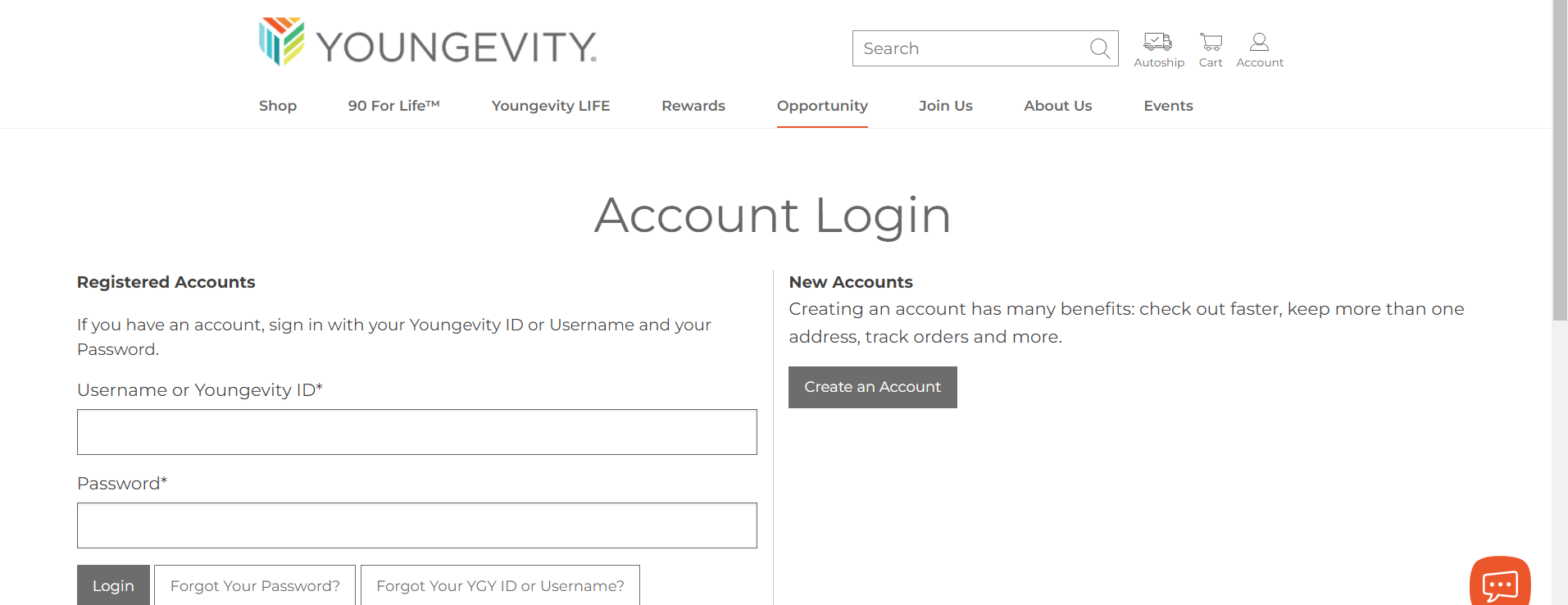
2) Once logged in you will be re-directed to your dashboard (you can also get there by clicking the “person” icon in the top right hand corner of the site
3) Once on your dashboard you will see a “rewards” tab. You will want to click on this. *Please note that when you first click the “rewards” tab that it does sometimes take a few seconds for the rest of the page to load. Please do not click the “blog” link while this is loading, or you will be re-routed to another page*
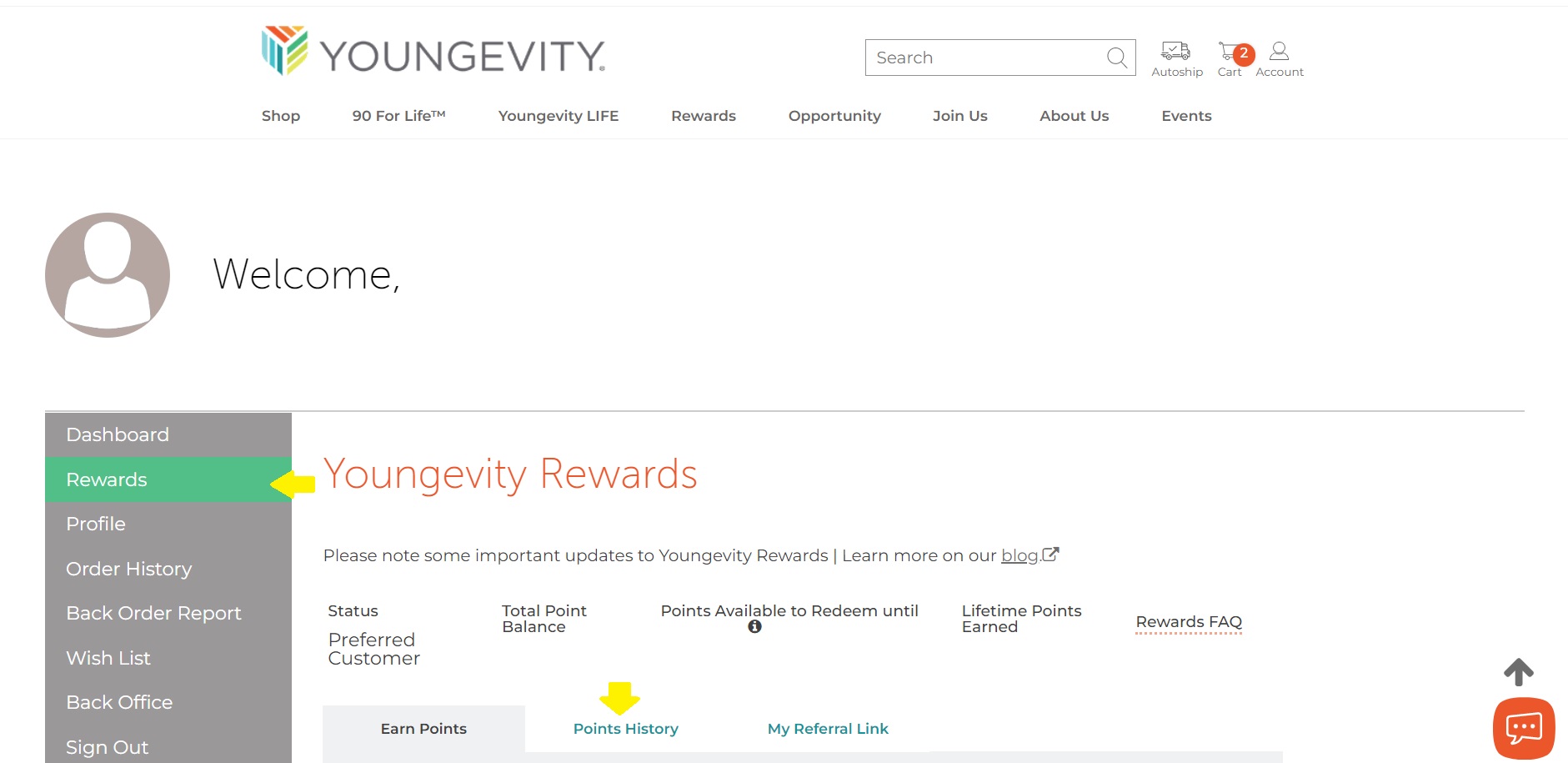
4) In the top middle of the screen there is a "points history" tab where you are able to view your points, and their expirations. Each set of points has it's own line of when it was earned, as well as the date of when they expire should they not be used.
Was this article helpful?
That’s Great!
Thank you for your feedback
Sorry! We couldn't be helpful
Thank you for your feedback
Feedback sent
We appreciate your effort and will try to fix the article